Note only teachers/group organizers can add cogs to a group.
To add cogs:
- Sign into the admin dashboard.
- Navigate to the target group in the admin panel by clicking the Groups button at the top of the page.
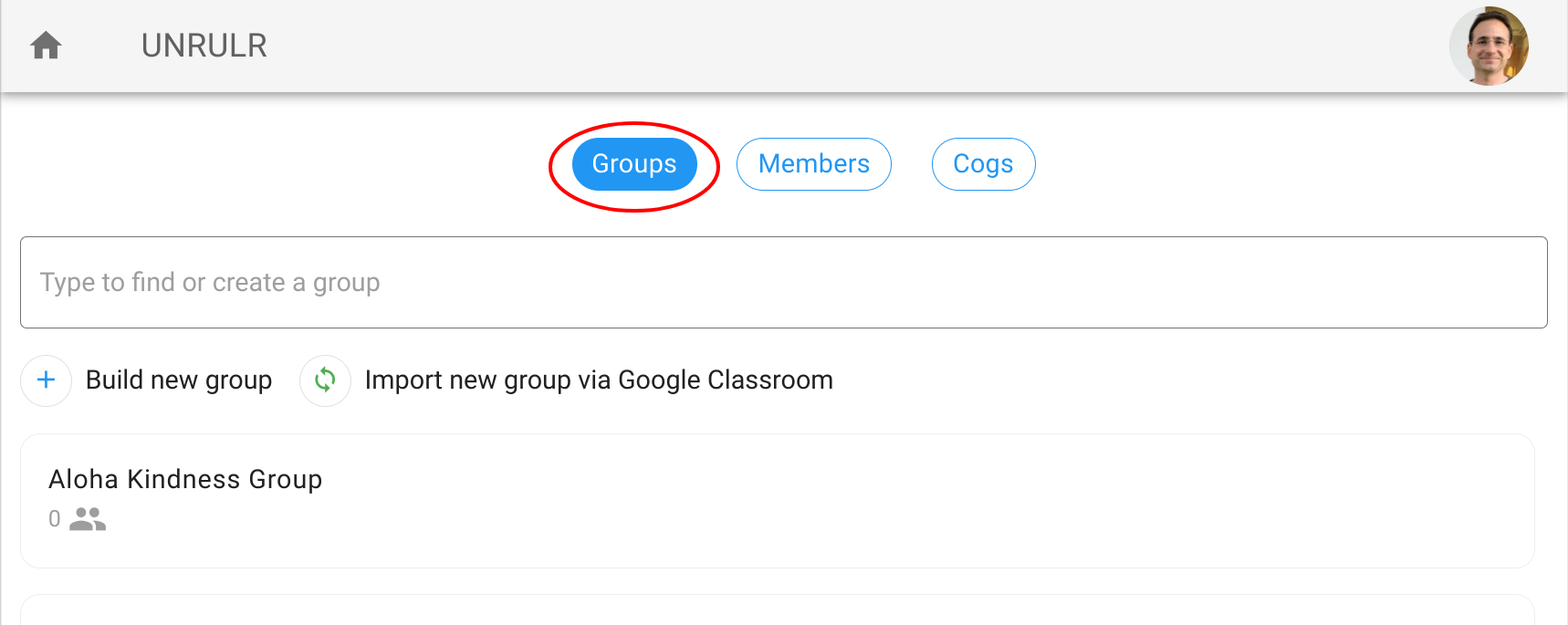
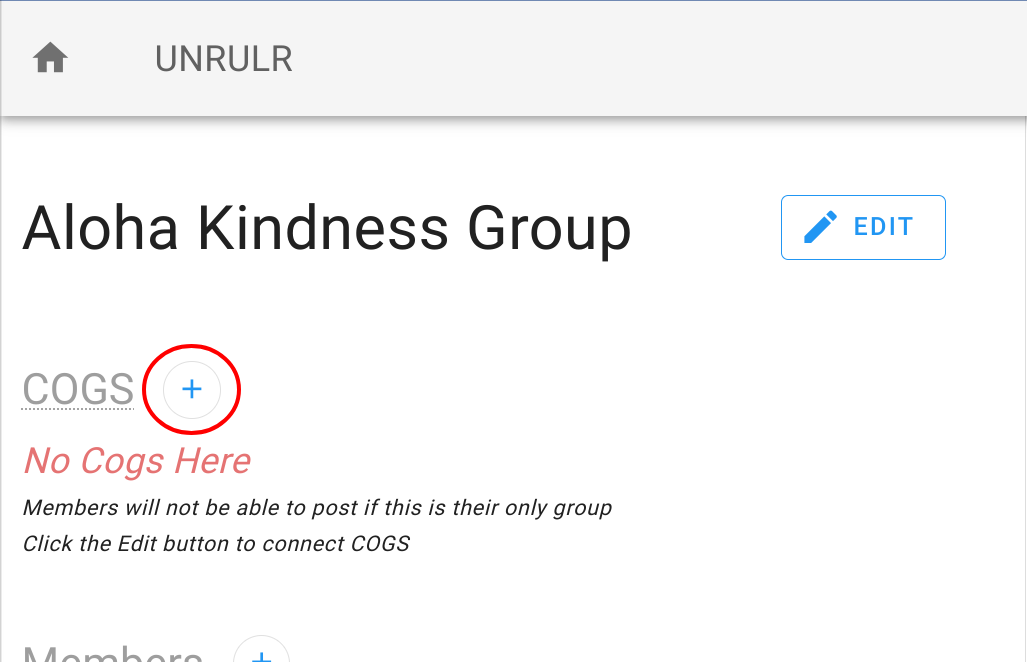
and then click the target group in the list. - Click the "+" button next to "COGS".
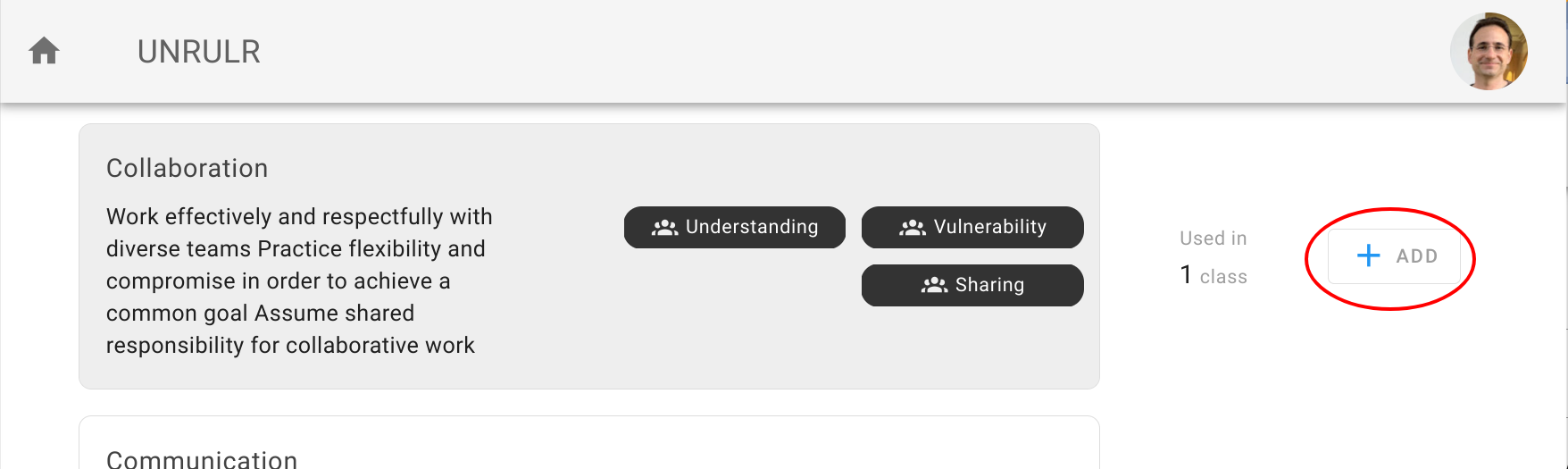
- Click the "+ ADD" button next to the cogs you'd like to add.
To remove cogs:
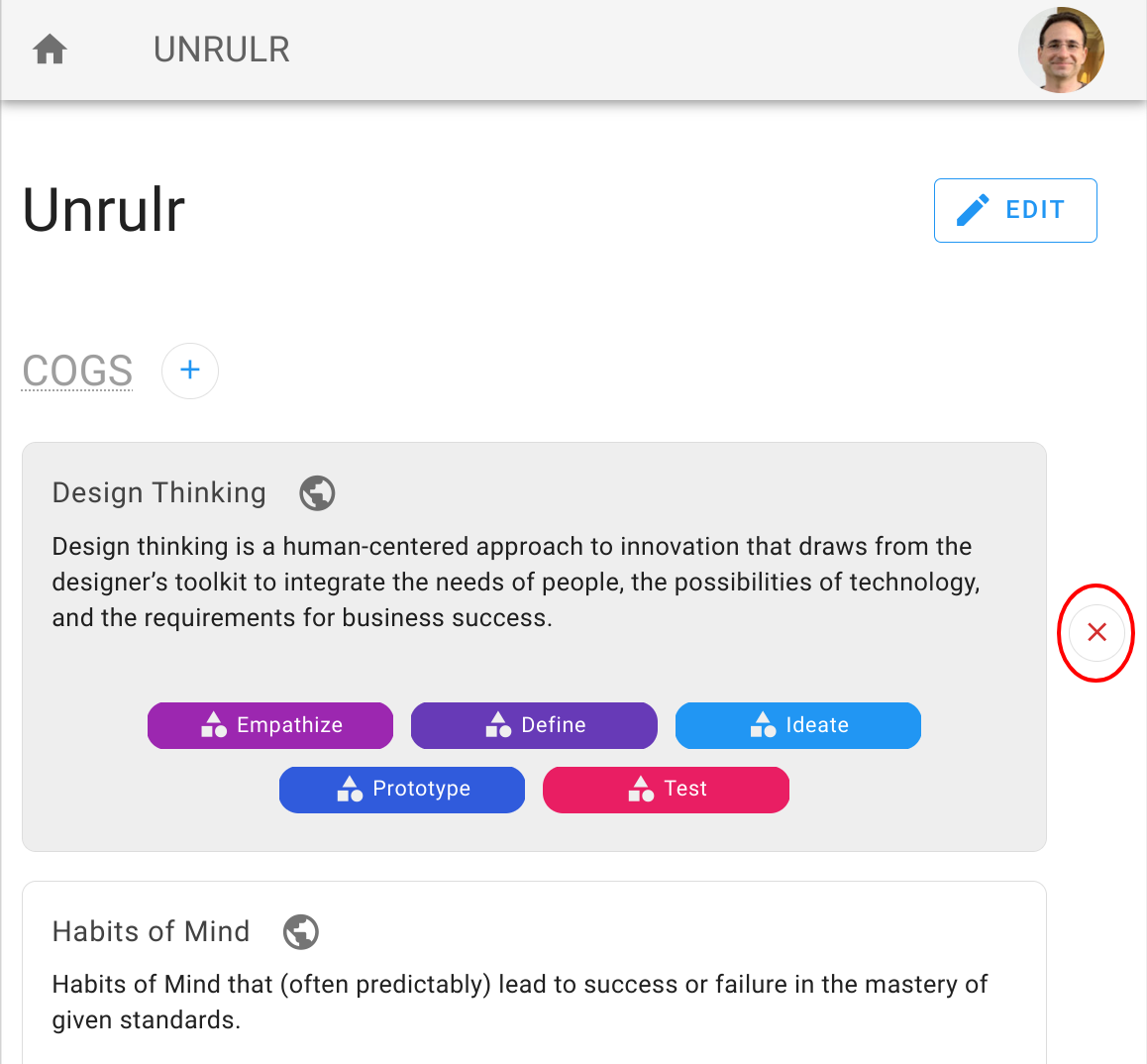
On the group detail page, click the red "X" next to the cogs you want to remove.